
Stop Wasting Time on Repetitive Tasks
Ever spent hours manually modeling elements, fixing joins in Revit, or endlessly sorting clash in Navisworks? The software is stealing your time!
At Clemar Studio, our custom software are built to give your time back.
Turn a 3-day task into 1 minute, so you can focus on what truly matters.
Let's build smarter, not harder!
Why Choose Clemar Studio?
No coding experience? No problem! Our tools are built to save your sanity—turning boring, repetitive tasks into one-click magic. Built for BIM professionals who want their time back.
Save Hours, Not Minutes
Our tools are designed for real BIM environments. One click replaces hundreds of manual steps — no coding, no setup, just instant results.
Rock-Solid & Reliable
Every add-in here is tested in live projects: government jobs, infrastructure, consultancy workflows, complex multi-discipline models. If it works there, it works for you.
Works Everywhere
Compatible with Revit 2022–2026. Different versions? Mixed teams? Remote work? No problem — install once, it just works.
Awards & Recognition
Celebrating innovation and excellence in BIM automation.
2023
HKIBIM Automation Arena Gold Award & Best User Experience Award
2025
HKIBIM Gold Award in API/Plugin Category & Best Innovation Award
2026
Geneva Inventions Gold Medal with Jury Congratulations
Latest Add-ins
Powerful tools that turn boring tasks into one-click magic. Ready to save hours?
BIM Mentor

Your AI-powered Revit assistant—master BIM with real-time guidance!
Stop searching through endless forums and documentation. BIM Mentor brings the power of AI directly into your Revit workspace. Whether you need help with complex workflows, family creation, or troubleshooting errors, your personal BIM expert is just a dockable pane away. Get instant, context-aware answers without ever leaving the Revit environment.
- AI-powered architectural and technical guidance
- Dockable pane interface—always accessible while you work
- Context-aware help for Revit commands and workflows
Clash Name Editor
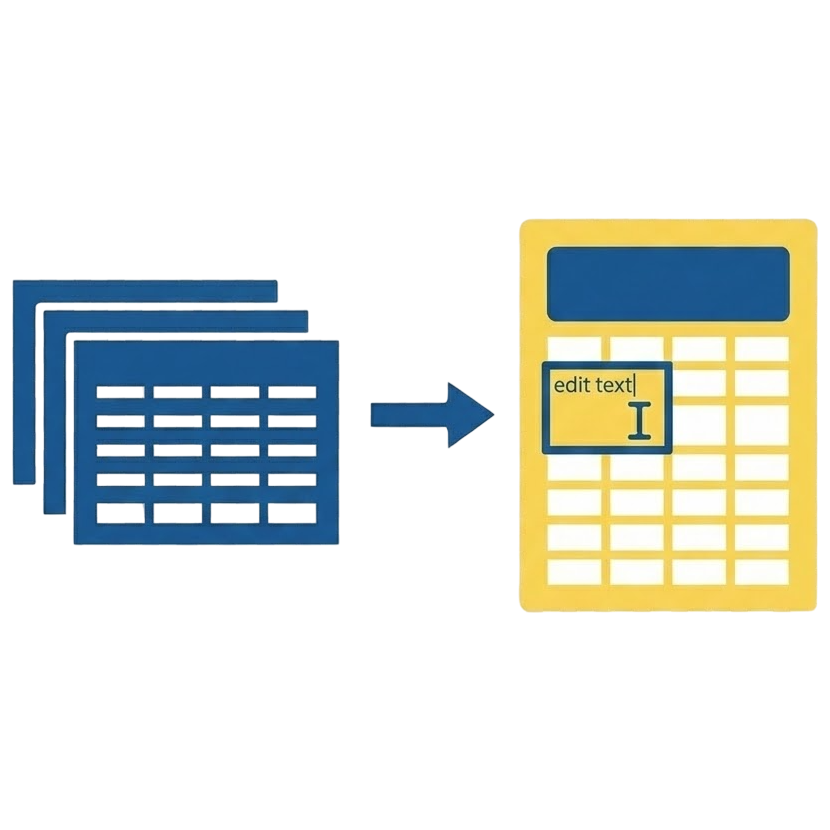
Rename hundreds of Navisworks clashes in Excel instantly.
Tired of renaming Navisworks clashes one by one in the software? The Clash Name Editor is a standalone tool that lets you export your clash tests to Excel, bulk rename them using Excel's powerful features, and import them back into a valid Navisworks XML file. Perfect for standardizing clash names and organizing your model coordination tasks.
- Export to Excel: Instantly converts your Navisworks XML clash reports into a clean, editable Excel spreadsheet.
- Bulk Editing Power: Use Excel's formulas, find & replace, and drag-to-fill features to rename hundreds of clashes at once.
- Round-Trip Import: Simply drop the updated Excel file back into the tool to generate a newly renamed XML file ready for Navisworks.
Batch Sheet Generator

Create hundreds of sheets from unplaced views in seconds!
Tired of creating sheets one by one? Batch Sheet Generator lets you automate the entire process. Just select your unplaced views, pick a placement zone on your template sheet, and watch as it generates multiple sheets with perfectly centered viewports. What used to take hours now takes seconds!
- Batch create sheets from any unplaced views
- Smart Title Block template selection
- Define placement zone with simple pick points
Clash Data Refiner

Turn messy Navisworks reports into actionable Power BI data in seconds.
The Clash Data Refiner is a standalone engine that cleans and intelligently refines messy Navisworks reports before they reach Power BI. It automatically corrects discipline assignments, groups thousands of raw Revit family names, and sorts building levels by physics rather than alphabet. Transform raw XML into professional, dashboard-ready data in seconds—no installation required.
- Smart Categorization: Consolidates thousands of raw Revit family names (e.g., "Duct Fittings") into clean groups (e.g., "Ducts")
- Physics-Based Sorting: Sorts levels by true Z-coordinates (B3 -> GF -> RF) instead of alphabetical order
- Impact Ranking: Calculates absolute clash depth to separate Critical issues (>50mm) from noise (<10mm).
Search Set Automator
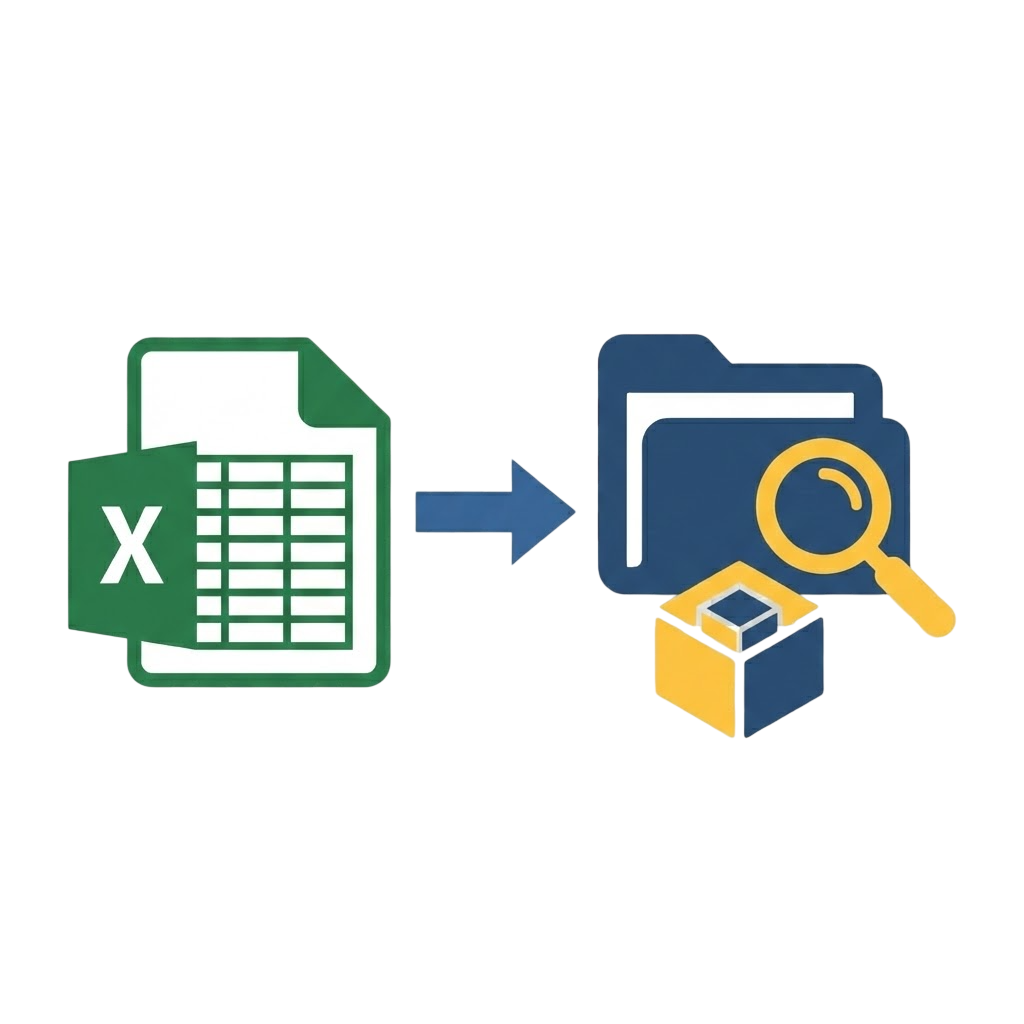
Create and manage Navisworks search sets from Excel—batch automation made simple!
Tired of manually creating search sets in Navisworks one by one? Search Set Automator lets you create hundreds of Navisworks search sets from Excel in seconds. Define your search criteria in a spreadsheet, drag and drop, and watch it generate professional XML search set files ready to import into Navisworks. Perfect for MEP coordination, audit workflows, and large-scale model filtering!
- Excel/CSV Template Generator: Get a pre-formatted template with dropdowns for categories, properties, and conditions
- Batch Processing: Create hundreds of search sets in one operation—no manual clicking!
- Smart Unit Conversion: Automatically converts measurements (meters, feet, millimeters) to Navisworks native units
Vertical Element Splitter

Split columns and walls at any height—precision cutting made simple!
Tired of manually cutting columns and walls at different floor levels? Vertical Element Splitter lets you split vertical elements (columns, structural columns, and walls) at level heights with precision. Select your elements, set your split levels, and watch it divide them perfectly—no more tedious manual cutting!
- Split columns, structural columns, and walls at level heights
- Category-based selection filter for precise element targeting
- Batch processing—split multiple elements in one operation
Choose Your Plan
All plans include access to all add-ins—no restrictions, no limits. Just pick what fits your team size!
⚠️ Early Access
Subscribe now to lock price for life.
Clemar Studio Partner
For teams or individuals need deeper customization.
Learn MoreResources & Support
Everything you need to get started, learn, and master your Revit automation journey.